





i went out last night around 2am and bought Michael Jackson’s “THIS IS IT”.
I’ve been waiting for it, and it was released at midnight. I actually debated rather to go or not, because i wasnt sure if the walmarts would even have it out or not. And i could always go later on the next day or so. But I became very bored sitting in the house and decided to go.
And here it is:
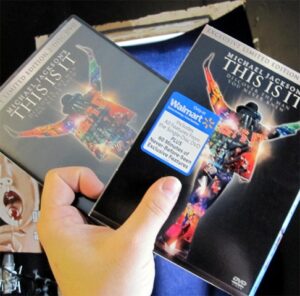 I got the Limited Special edition that has a bonus DVD of 90 hours of extra footage, which i think comes normal on the bluray version?
I watched most of the first dvd before i fell asleep, and its simply awesome. I’ve been a fan of Michael’s all my life, and its cool to see how he was behind the scenes working, and making everything happen, its just awesome.
Even if you are not a fan, i suggest going and buying this, because it’ll kinda show you what type of person Michael was.
I got the Limited Special edition that has a bonus DVD of 90 hours of extra footage, which i think comes normal on the bluray version?
I watched most of the first dvd before i fell asleep, and its simply awesome. I’ve been a fan of Michael’s all my life, and its cool to see how he was behind the scenes working, and making everything happen, its just awesome.
Even if you are not a fan, i suggest going and buying this, because it’ll kinda show you what type of person Michael was.
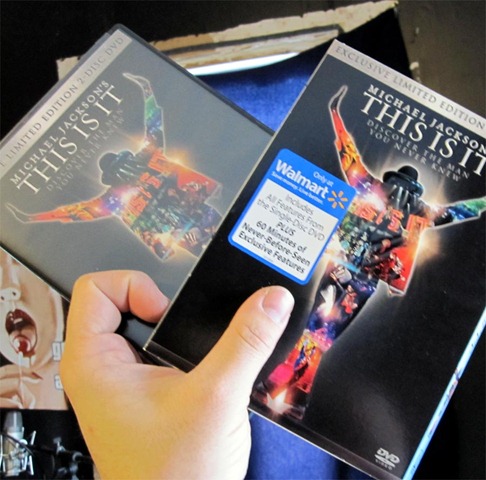 I got the Limited Special edition that has a bonus DVD of 90 hours of extra footage, which i think comes normal on the bluray version?
I watched most of the first dvd before i fell asleep, and its simply awesome. I’ve been a fan of Michael’s all my life, and its cool to see how he was behind the scenes working, and making everything happen, its just awesome.
Even if you are not a fan, i suggest going and buying this, because it’ll kinda show you what type of person Michael was.
I got the Limited Special edition that has a bonus DVD of 90 hours of extra footage, which i think comes normal on the bluray version?
I watched most of the first dvd before i fell asleep, and its simply awesome. I’ve been a fan of Michael’s all my life, and its cool to see how he was behind the scenes working, and making everything happen, its just awesome.
Even if you are not a fan, i suggest going and buying this, because it’ll kinda show you what type of person Michael was.
Recommended Comments