




Skip to content
View in the app

A better way to browse. Learn more.

Grunch

A full-screen app on your home screen with push notifications, badges and more.

To install this app on iOS and iPadOS
  1. Tap the Share icon in Safari
  2. Scroll the menu and tap Add to Home Screen.
  3. Tap Add in the top-right corner.
To install this app on Android
  1. Tap the 3-dot menu (⋮) in the top-right corner of the browser.
  2. Tap Add to Home screen or Install app.
  3. Confirm by tapping Install.

Politics

Political stuffs

4 articles in this category

  1. Josh ·
    Was suggested this video by youtube while I was working out, and I found it interesting. You might as well.
    • 0 comments
    • 20 views
  2. Josh ·
    Bill Maher finally breaks his silence and talks about his dinner with President Trump 10 days ago. On Tonight's REAL TIME WITH BILL MAHER, Bill talks about how President Trump is nothing like his public persona. I've been waiting for Bill to finally talk about it, because I like both him and Trump, and the only thing that makes me dislike watching REAL TIME is when Bill wrongly goes after Trump. So I hope that he can be more understanding and accepting of Trump, and open to the idea that Trump i
    • 0 comments
    • 158 views
  3. Josh ·
    These motherfuckers....
    • 0 comments
    • 101 views
  4. Josh ·
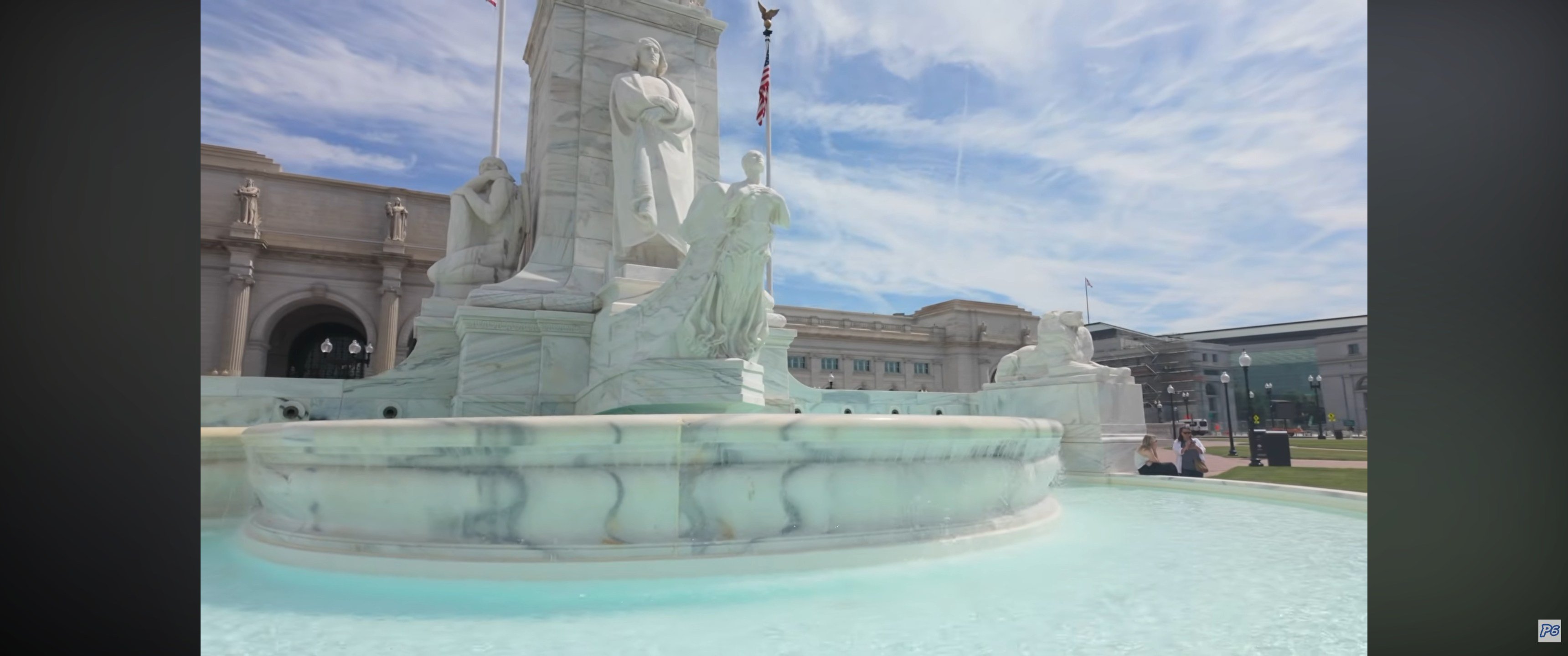
    President Trump skipped the sham republican debate, as he should, and instead gave an interview to Tucker Carlson on X. I thought it was a great interview, but ya'll can decide for yourselves. I have zero interest in the GOP debate, as many.
    • 0 comments
    • 75 views

Account

Navigation

Search

Search

Configure browser push notifications

Chrome (Android)
  1. Tap the lock icon next to the address bar.
  2. Tap Permissions → Notifications.
  3. Adjust your preference.
Chrome (Desktop)
  1. Click the padlock icon in the address bar.
  2. Select Site settings.
  3. Find Notifications and adjust your preference.