




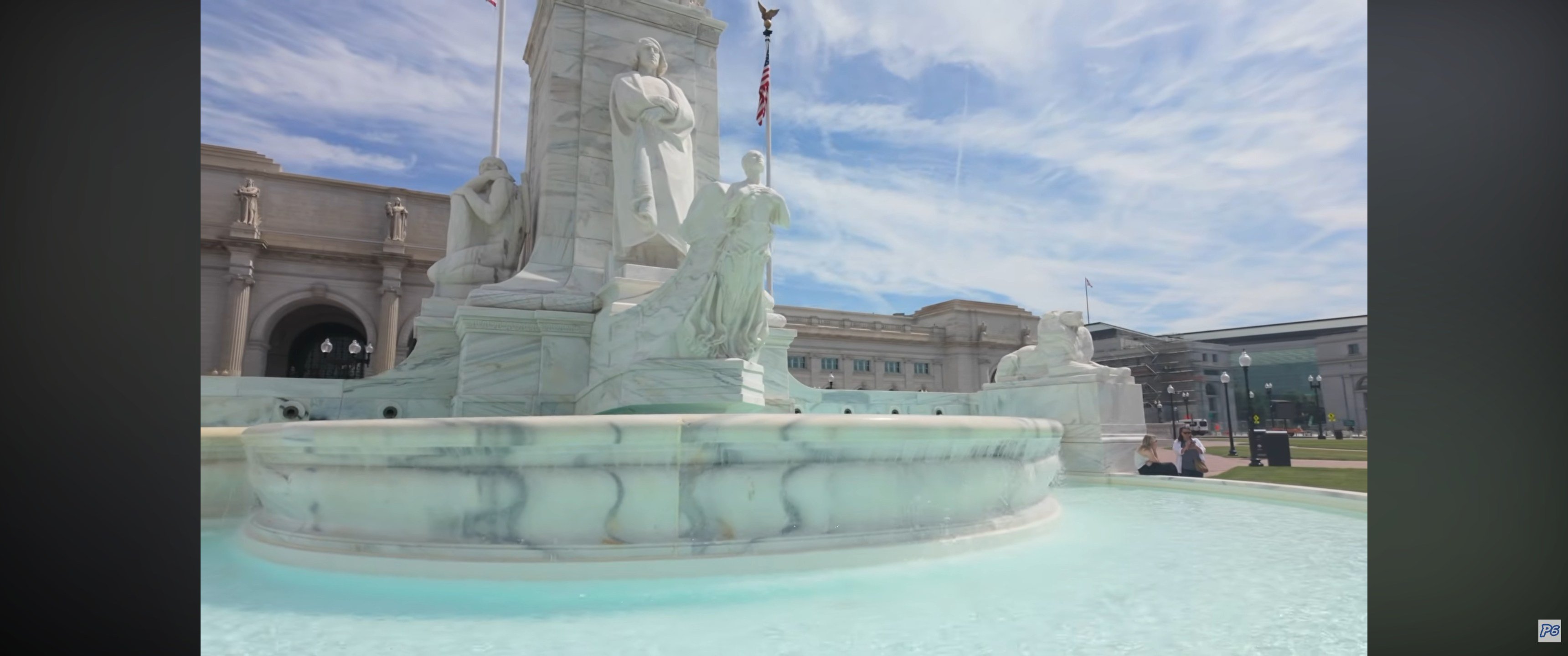
- 0 comments
- 48 views
Articles
Our website articles


AI however did 100% get the old wordpress articles imported into Inivision Community though!
Invision Community's Pages/Articles system is very limited, and I can't get the main page to look the way I want. For Example, there is no way to show a "load more" or pagination on a custom page. I might be able to get it done through alot of hacking, and coding, but for right now the main page is just going to show a certain amount of articles. If you want to view more you'll have to goto the 'Articles' page which will show all, and have pagination by default, ha, so annoying.
I have to manually go through article by article and fix the layout and broken images. It's better than losing all the content I suppose.
I am about to just switch back to wordpress though! Wordpress was so much easier, but we'll try this a bit more. I do like having the option for a community. No one has started reusing the forums yet, but i also havent advertise anywhere really.
Many articles are missing their thumbnails, so I have to go through one by one and add them.
Messy articles that I have to manually edit
We'll get 'er done! Just a heads up if you find an unreadable article!
- 0 comments
- 144 views
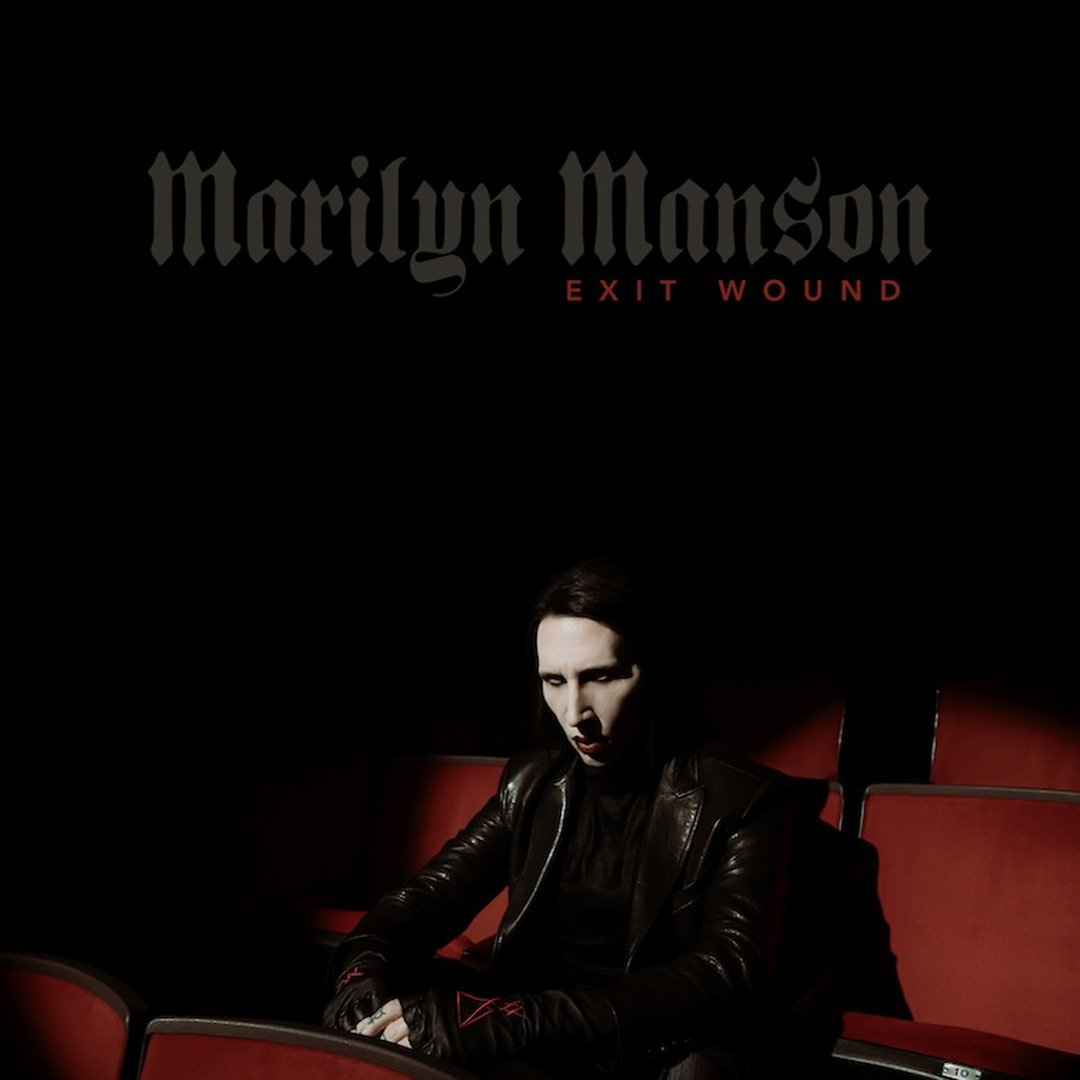
The single will be on his next album 'ONE ASSASSINATION UNDER GOD
CHAPTER 2' which will be out on AUG 14, 2026. PRE-ORDER here.
I loved the chapter one.
Exit Wound is another toe tapper. check it out here:
- 0 comments
- 185 views
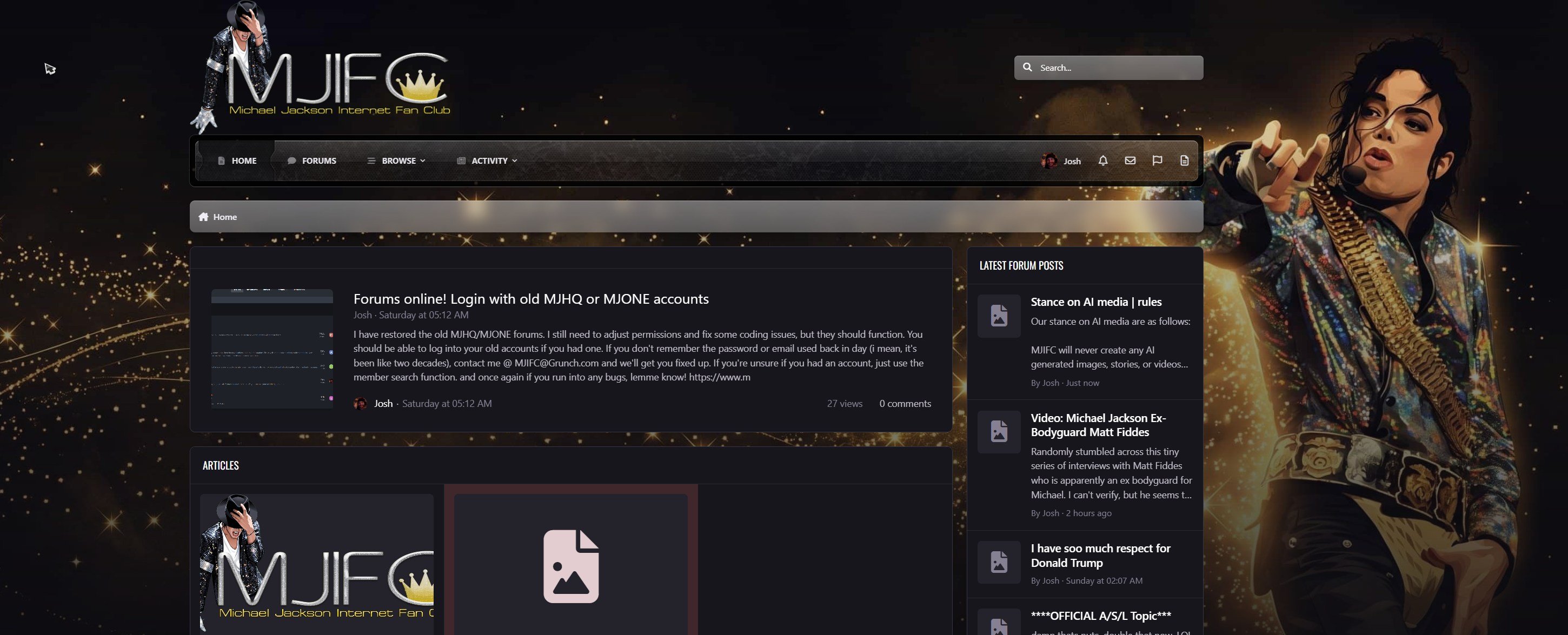
Recently I was browsing aged domains that were for sale, and one caught my eye: MJIFC dot com. To most this would like like total junk, but to me it was a rare lost treasure.
When the internet was newish in the late 90s and early 00's, most of us created our own personal and fan websites. Social media didn't exist, so we had to. I was a big fan of Michael Jackson as a child, so of course I made many fan sites dedicated to Michael Jackson starting in around 1998. I used free hosts because having your own server and all that seemed impossible, and I was a young teenager so I had no money for a domain. Fast forward to 2003 I was an adult and had some money. I wanted to give all my websites real domains, so for the Michael Jackson website i first had Mijac dot net, then i moved to MJHQ dot com, mostly due to being available. I really wanted MJIFC dot com, which was the original Michael Jackson Internet Fan Club domain since 1998, and site since like years before that. By then though the side was offline for years since i think early 2000, but the owner kept it as a blank page or parked ever since.
My MJ site and forum were somewhat active. I would always get annoyed with everyone and close, and reopen, and eventually sold and rebought domains back. At one time I actually owned the MJONE dot com domain, which is an official Michael Jackson domain now for their Cirque dus oleil show or whatever the hell. I had actually had the MJ sites all closed down by the time he died in 2009. I made a few attempts at reviving the site as a music site sometime in early 2010s, renaming Michael Jackson Headquarters to Music Junkie Headquarters, but meh. Sold the domains for good and moved on.
I did attempt to merge all my old forums and restore them a few times, this current merge you're seeing now was made in around 2019-20 which free speech was heavily under attack, so i merged all my old forums into one to have a starting point, but i quickly became bored of that.
Anyways, decades pass and fast forward to a couple weeks ago. I was randomly browsing domain auctions and saw the MJIFC dot com domain which instantly caught my eye. It was the cherished domain from my first years on the internet. I bid on it and won, it was finally mine.
I spent the next week building up a new Michael Jackson site, had a nice logo and everything ready to go. Figured i might as well restore the old forums too, not the merged forum though, i wanted the original MJ only forum, so i found a back up from 2008-09, and spent nearly an entire week trying to get it to upgrade to the latest versions of Invision Community. Made several attempts and finally got it working. Renewed my Invision license, and bought a $40 skin.
It was looking nice, but by then all the nostalgia wore off. I remember how I hated running the Michael Jackson site back in the day, how i didn't get along with man, but in their defense i was a mentally unstable weirdo (was before i discovered alcohol and my hormones settled down, or something, ha), and in reality, i didn't listen to Michael much before he died, and haven't listened to him all that much since.
Once the excitement wore off, I realized i didn't want to make another Michael Jackson site, at least not a community, and i don't see much of a point really. He's been dead for a while now, hype from the latest movie is going to wear off and I just don't know. I do want to make an archive of all my sites, and history with MJ and such, so maybe i'll still use the domain for that I don't know.
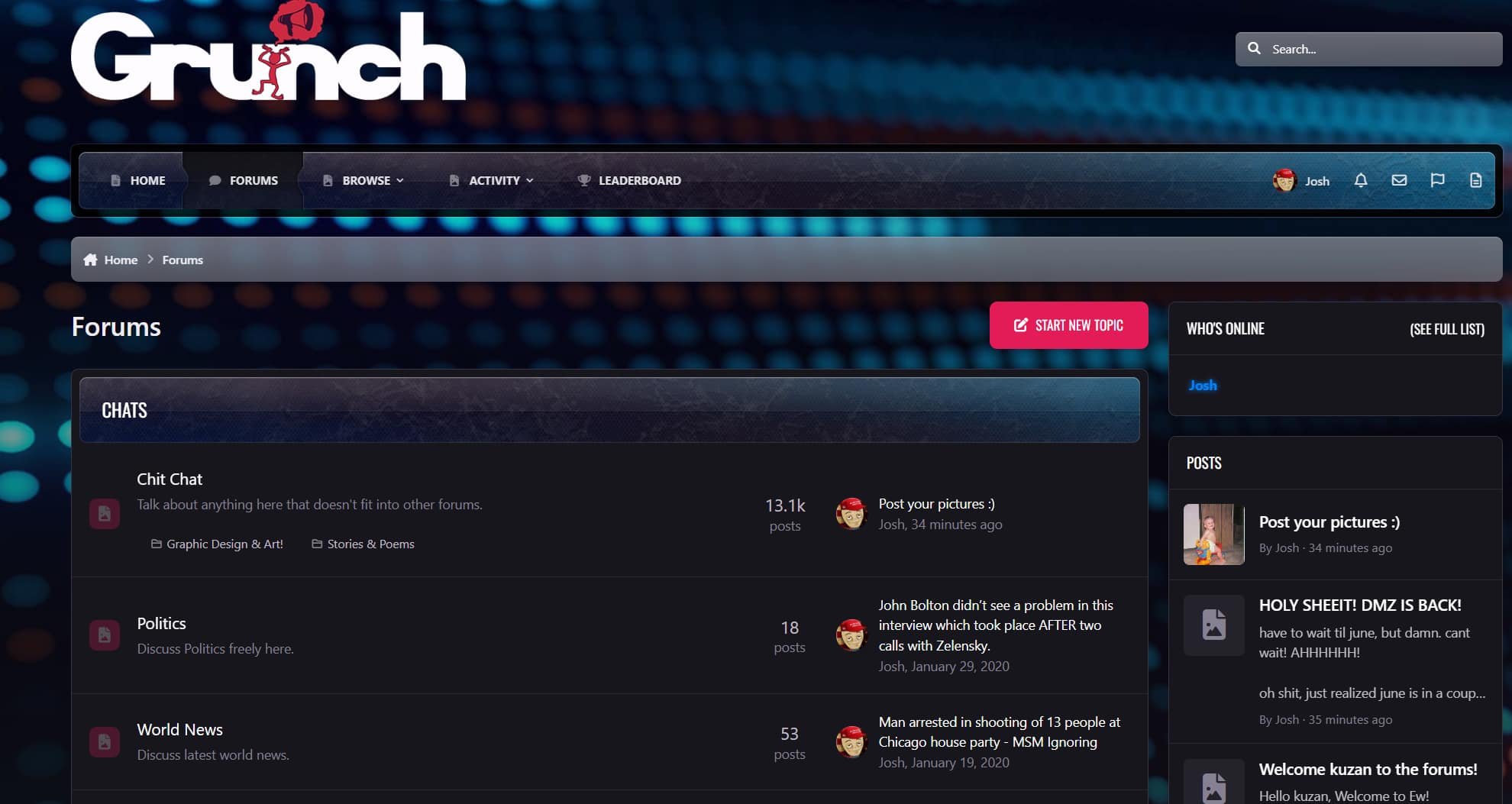
Anywho, I spent all this time and money on renewing the license, buying a skin, and so on, i might as well use it. Grunch is one of my most cherished domains, and it worked as my non-personal blog. I just don't write that much anymore, and it was barely ever updated, so I figure why not just move the old merged and restored forum from 2020 to it (combined almost all of my previous attempts at forums into one: MJ forum, damnidunno forum), and we'll just see how it goes.
Invision Community 5 has a site cms built in now, so I'll see if i can update the main page to look like a blog. We'll see what happens, and I'll just restore the wordpress site if it doesn't work out. no big deal.
So if you're into these old forums, want less moderation, this will be the place for you!
I am using our current logo, but going to try to work on something new.
- 0 comments
- 211 views
- 0 comments
- 158 views

The game will be released on October 10th, with open beta's starting next week. I hope to be streaming it.
edit: I know I said that I wasn't going to prepurchase the elite, or premium editions. But i never said anything about the Phantom Edition. haha.
- 0 comments
- 107 views

- 0 comments
- 127 views
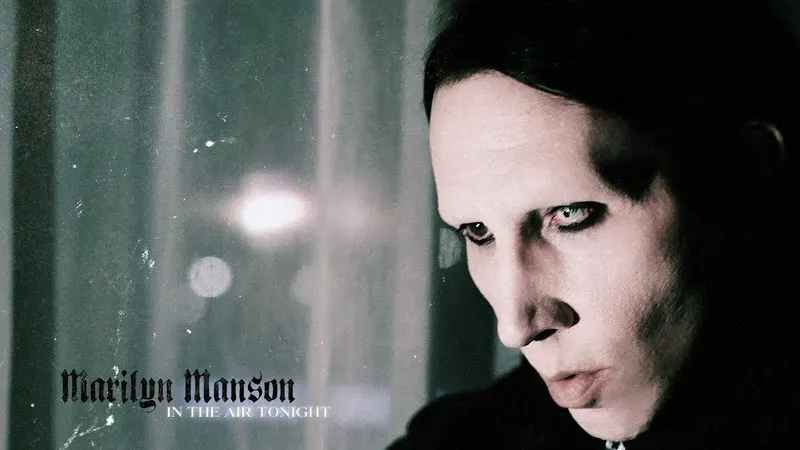
I think it's pretty good, and has more of an eerie feeling than the original. You can check it out here:
- 0 comments
- 122 views

Watch the video here:
We'll see how it goes from here on out.
- 0 comments
- 195 views

My Comment on the D Yungas cursors. Damn, i have been using them for over a decade :oÞ
D Yungus Cursor
After searching, and searching, I finally found some mouse Cursors that are different, yet really nice looking. Also, they are basic .cur files, so you don't need a special program like CursorXP to use them, they just work on any modern version of Windows. They are called "Gami" because they're meant to look like origami. I admit the idea does sound stupid, but they do look really nice. The colors and animations are really good. I've been using them for a while now, and thought that I should share.
You can download them from DeviantArt here: https://www.deviantart.com/raylark/art/Gami-926173327
The set comes in 3 sizes: 32px, 48px, 64px. From the page:
Description The goal of this cursor was to see if I could make a convincing origami cursor. I think it's still rough, but some of the ideas worked out really well.
Compatibility - Windows 7, 8, 10, 11 What You Get - 15 .cur files (each can scale to 32px, 48px, 64px) - 2 .ani (animated) files (for each size: 32px, 48px, 64px) - install.inf - readme.txt
How to Install 1. Download and extract [cursor].zip 2. Open the extracted folder 3. Right click "~install.inf" file 4. Click "install" 5. Navigate to Settings > Devices > Mouse > Additional Mouse Options > Pointers 6. Select the desired Scheme from drop down menu 7. Hit "OK"
I'm really enjoying them.
Using cursor while composing this post. tee hee.
- 0 comments
- 133 views
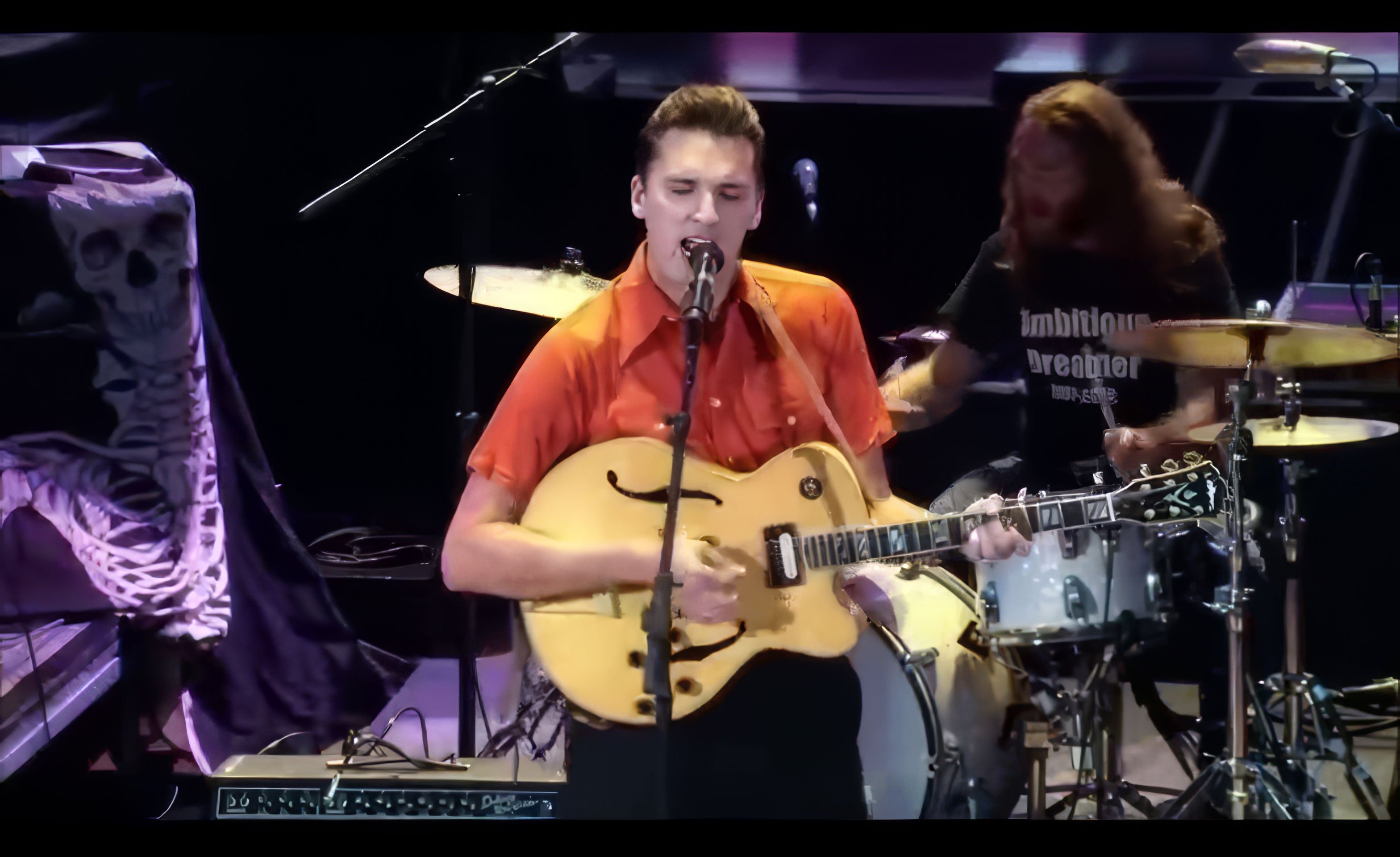
https://www.redclaystrays.com
**I used ai to upscale and enhance the screenshot used as featured image. Original video is low res for some reason.
**I Cross posted this article on my personal site. This song is that good!
- 0 comments
- 130 views

You can listen to it via commietube:
He also launched a new tour which had it's first show yesterday in Hershey, PA, and he sounded amazing. Fan recording of yesterday's show:
It's nice to have him back. Let's go!
- 0 comments
- 137 views

- 0 comments
- 117 views

01:00 Intro Artifact/The Turn (The Bitter Truth)
02:36 Broken Pieces Shine (The Bitter Truth)
06:27 Made Of Stone (Evanescence)
10:38 Sweet Sacrifica (The Open Door)
13:45 Yeah Right (The Bitter Truth) 17:15 Taking Over Me (Fallen)
19:47 The Game Is Over (The Bitter Truth) 25:06 My Heart Is Broken (Evanescence)
29:58 Wasted On You (The Bitter Truth) Intro on piano 34:40 The Change (Evanescence)
38:35 End Of The Dream (Evanescence)
43:31 Going Under (Fallen)
47:17 Better Without You (The Bitter Truth)
51:30 Call Me When You're Sober (The Open Door)
55:24 Imaginary (Fallen) 59:45 Amy's Speach
1:00:43 Use My Voice (The Bitter Truth)
1:06:06 My Immortal (Fallen)
1:10:55 Bring Me To Life (Fallen)
- 0 comments
- 96 views

New UI
Apparently this UI change has been rolling out to users for weeks now. Which surprised me because I hadn't heard about it at all, until I got the change on my account. Everyone I showed the change to said it looked horrible. Anyways, since it had been rolling out for weeks, and many already had it, a fix was already made and easy to implement.
The fix comes in the form of two simple userscripts, that can be easily installed via a script manager extension. For Chrome based browsers (I use and recommend Vivaldi) , I use one called "Violentmonkey", but there are several others. I haven't tested it, but Tampermonkey has an extension for Firefox and other browsers.
The script seem to come with many customization options, but I just wanted youtube to go back to looking the way it has for over a decade now, and that was achieved by just installing the scripts. Doesn't look exactly how it used to, suggested videos are a bit bigger and such, but its usable.
The userscripts can be downloaded/installed from here: https://github.com/sapondanaisriwan/AdashimaaTube?tab=readme-ov-file
There are also more instructions on the page for those that need more assistance.
Restored UI:
- 0 comments
- 104 views

It has been released a day early due to a leak on X. And wow, It does look good.
Grand Theft Audio VI will take place in the colorful Vice City. Looks like modern times this time, so isn't set in the 80's as GTA Vice City was.
The graphics and world look amazing, especially the animals and wild life. They were already great in Red Dead Redemption 2, so an improvement on that will be great. Hopefully they finally included an actual anti-cheat for the online modes.
The cheaters and hackers killed both GTA online and Red Dead Online for me.
anyways, here it is.
Sadly though, the game still wont be out for over a year from now in 2025.
- 0 comments
- 93 views

- 0 comments
- 94 views

I dunno, he does look familiar, but I think it could just be his plain 80s/90's clothing that he's wearing in the video.
I checked out some of his other content but didn't really enjoy any of it (not much a fan of modern rap), anyways, i love this song!
- 0 comments
- 85 views
- 0 comments
- 62 views

Kinda reminds me of "Heathens" by Twenty One Pilots.
Anyways, here it is - By the way, sorry about the anime or whatever video, it's the only video of this song that I could find on Rumble! I'll avoid commietube at every chance!:
edit: june 16 26 - Rumble isn't working on invision community, and the original video was deleted from rumble, so here is a youtube link, lol
- 0 comments
- 92 views
- 0 comments
- 74 views
.jpg.314780fdb74736352b448b0c49e768f4.jpg)
They recently just RE-Released Halloween Pass 2, which shows how much Rockstar doesn't care about Red Dead Online, which is a much more superior game than Grand Theft Auto online.
Oh well. Gvmers (Gamers) is a great youtube channel by the way. If you like gaming, and want to see documentaries about games, devs, studios, etc... its the channel to follow.
- 0 comments
- 91 views
- 0 comments
- 148 views

Only a few years ago DLSS was new, and very buggy, but it was still way better than the alternative options, such as simple TAA, which was horrible in games such as Red Dead Redemption 2.
DLSS is quickly improving, and it seems like other every week or month a new version has came out, which fixes bugs such as trails behind moving options in RDR2. Sometimes it it can months for game developers to include the newer and improved DLSS versions in their game updates.
You could always manually download updated versions of DLSS, and copy them into your games directory yourself, but this can be time consuming, especially if you play alot of games that use DLSS. And also, some newer versions of DLSS are buggy in certain games, so manually monitoring and controlling all of that can be a headache.
If you want to do it the manual route, the site https://www.techpowerup.com/download/nvidia-dlss-dll/ has all the latest DLSS files that are free to download.
But, if you prefer the easier way, there is a FREE program in the Microsoft store called "DLSS Swapper". DLSS swapper can scan your computer for all the games that use DLSS, tell you which DLSS versions they use, and give you an option to upgrade or downgrade the DLSS versions automatically.
I basically just update all the games to the latest version, which is easy and requires two clicks on a drop down menu per game. If the game has an issue with the newer version of DLSS, easily change it via the drop down menu again.
I love this tool. It's also great for even learning of Newer DLSS releases without having to manually visit websites such as TechPowerUp. Edit: I just learned that this tool only works for games in your Steam Library, so you will have to use the manual route for non steam games.
Hopefully the developers apply to several client libraries soon
. **Special Note: revalidating or even updating a games files via Steam, will reset the DLSS version back to the one the developers included, so you will be downgraded. DLSS Swapper is also handy for checking to see if that happened without you knowing, which it has several times for me.
My DLSS Swapper game library. I didn't have to manually add any games, it does it automatically.
Selecting DLSS Version for Modern Warfare 2022 beta, which is already using latest version
DLSS Version Library. You do have to manually click the download button to download the version to your PC, but then it's as simple as selecting the version per game via the drop down
You can download DLSS Swapper for free from the Microsoft Store, Or from GitHub.
- 0 comments
- 90 views

Michael has many times stated who his idols and inspirations were, such as James Brown, Fred Astaire, but he has never really mentioned Bob Fosse.
Turns out in 1974, Bob Fosse performed a dance scene, called "The Snake", here he does many of the iconic and symbolic dance moves that Michael did almost a decade later. Moves such as the snapping leg kick (which is probably the most famous MJ dance move after the moonwalk), and even the moonwalk itself.
The most obvious to me though is the pose that Michael used in the photoshoot for "Off The Wall", which he later enhanced more for the starting post for his performances of Billie Jean. Not to mention the outfit and look is almost identical to what Michael would later on use for his performances of Billie Jean, and many others.
Now, I know that most artists aren't original, and they get influenced by other artists, but they usually give them credit. Has Michael ever even mumbled the name "Bob Fosse" in public? Being a huge Michael Jackson fan, I don't remember hearing it, and I used to watch Michael's interviews over and over and over again, I remember James Brown, Gene Kelly, and Fred Astaire being mentioned several times as huge heroes to Michael. Perhaps the influence, and copying was so obvious in this scenario that Michael didn't want to bring any attention to it? I don't know. I'm just sad that the copying is obvious, and Michael never gave Bob credit. It's always sad when we discover that our life long heroes and idols aren't as big of magical genius' as we assumed for so long.
Bob Fosse original "Billie Jean" pose
Michael doing the post during the Off The Wall photoshoot shows how similar the post was, not yet to the complete Billie Jean style.
Fosse doing the "leg snap" kick dance move
There are just many examples, and if you watch the video yourself, you will see alot of similarities. I'm still a huge Michael Jackson fan, but I'm just amazed by this, and saddened that he never gave true credit to Bob Fosse.
I'm going to watch more Bob Fosse videos, to see if there are any other similarities, and also just for entertainment, the guy seemed pretty amazing.
Here is a clip someone put together a while back, because they too saw the copying and similarities.
The original unedited video can be seen here:
- 0 comments
- 103 views