






I've been searching for some new mouse cursors for windows for years now. I've been using the same o D Yungas ones for a decade now, and want to try something new. The problem is, unlike the old days, customizing the look and feel of Windows is not a big deal to most anymore. So new skins and cursors that are actually decent rarely are created anymore. You can download the D Yungas Cursor pack here.

My Comment on the D Yungas cursors. Damn, i have been using them for over a decade :oÞ
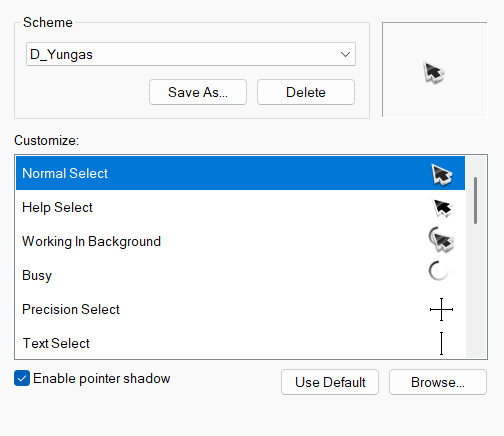
D Yungus Cursor
After searching, and searching, I finally found some mouse Cursors that are different, yet really nice looking. Also, they are basic .cur files, so you don't need a special program like CursorXP to use them, they just work on any modern version of Windows. They are called "Gami" because they're meant to look like origami. I admit the idea does sound stupid, but they do look really nice. The colors and animations are really good. I've been using them for a while now, and thought that I should share.
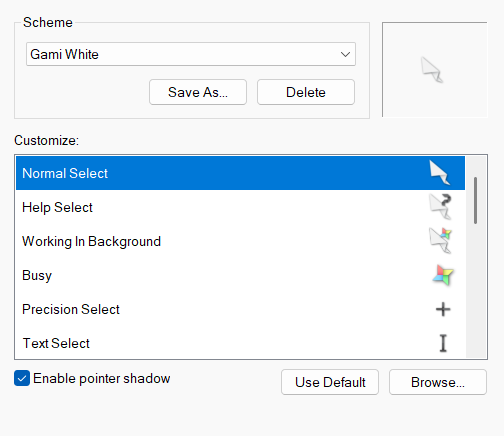
You can download them from DeviantArt here: https://www.deviantart.com/raylark/art/Gami-926173327
The set comes in 3 sizes: 32px, 48px, 64px. From the page:
Description The goal of this cursor was to see if I could make a convincing origami cursor. I think it's still rough, but some of the ideas worked out really well.
Compatibility - Windows 7, 8, 10, 11 What You Get - 15 .cur files (each can scale to 32px, 48px, 64px) - 2 .ani (animated) files (for each size: 32px, 48px, 64px) - install.inf - readme.txt
How to Install 1. Download and extract [cursor].zip 2. Open the extracted folder 3. Right click "~install.inf" file 4. Click "install" 5. Navigate to Settings > Devices > Mouse > Additional Mouse Options > Pointers 6. Select the desired Scheme from drop down menu 7. Hit "OK"
I'm really enjoying them.
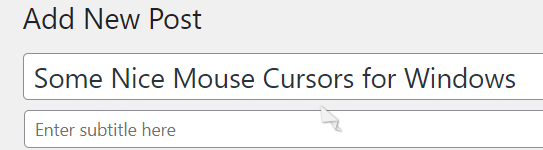
Using cursor while composing this post. tee hee.
Recommended Comments