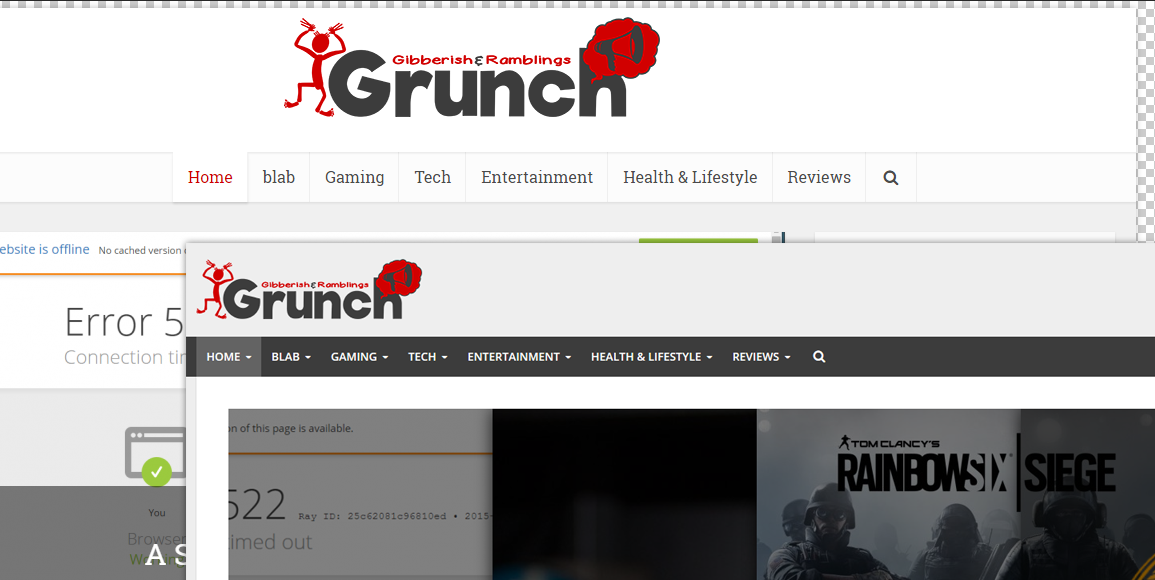

As you probably have noticed, the site looks a bit different.
I have decided to go with a new layout and design of the site. I want to show more content while keeping it clean. Which is a bit silly since there is hardly any new content here, ha but hopefully that’ll change soon enough.
The old theme is one that I love, and it was very clean, but the problem is that it was too narrow and boxy. Also it was designed years ago so the coding was a bit off.
Comparison of old layout and new: click thumbnails to see full view.
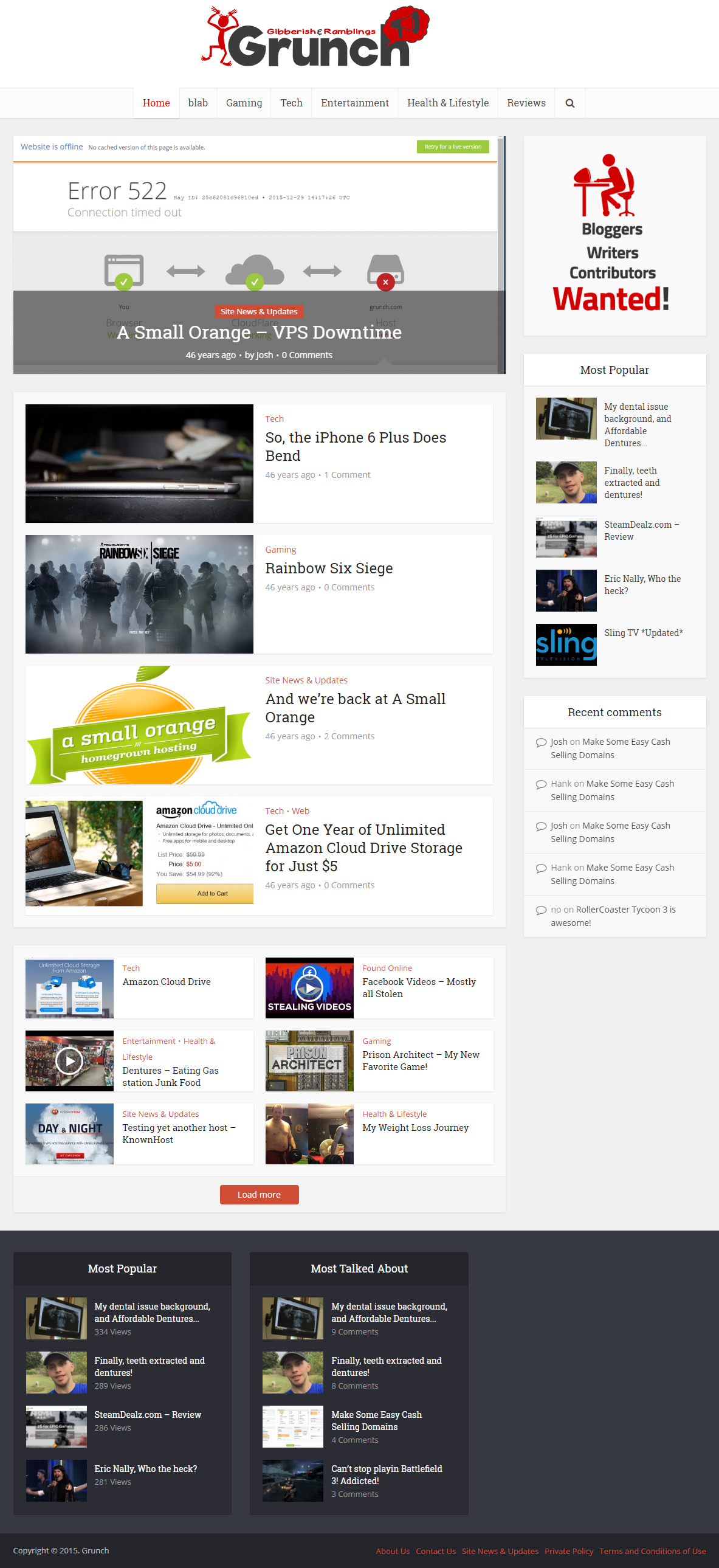
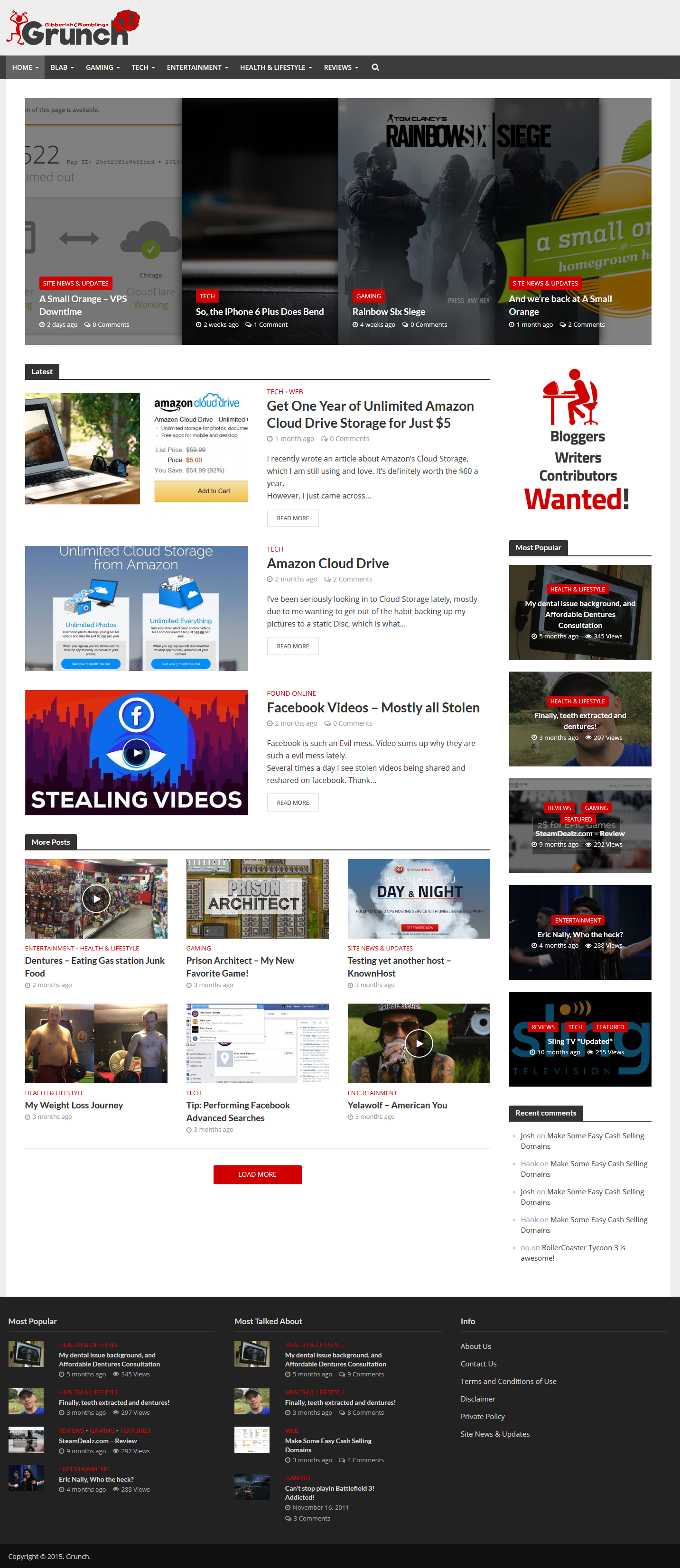
There are alot of things that need to be improved and fixed up on this new theme. One of them is all the broken images.
One of the main issues I have with WordPress is how each theme needs its own images. I don’t mean like graphics such as background textures, I mean every image I have ever uploaded to the Grunch needs to be resized to fit each of the custom sizes of this theme. I end up with about 20 copies of the same image, which is damn annoying. I stupidly used some of these custom images in alot of posts. I have learned now that this isn’t a good idea.
Due to this I have noticed ALOT of broken images in old posts.
Going forward, I have added custom images to the site which I will use in the posts, and I can copy these sizes from theme to theme just by adding some code into the functions.php of the theme and this way, i won’t ever have to worry about images becoming broken upon theme changes.
The code is:
add_image_size( ‘good’, ‘730’, ‘492’, array( “1”, “”) );
$image_sizes = herald_get_image_sizes();
The above code generate the specific size of 730x492px cropped of each image I upload. This will be a pretty decent size image that isn’t as small as the default worpdress thumbnail/medium size, and not as large as the original image. Keep in mind that this will only create the sizes of new uploaded images. If you wish to create the size of all the images in your media library, you’ll have to force regenerate all the thumbnails, etc. I use a plugin called Force Regenerate Thumbnails which I recommend and use often.
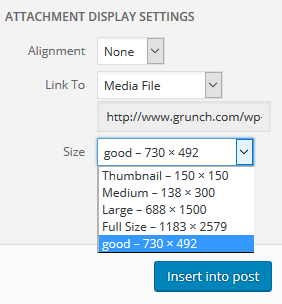 If you wish to have the above size show in the sizes of the instert media page, just add the following code to the functions file as well:
add_filter( ‘image_size_names_choose’, ‘my_custom_sizes’ );
function my_custom_sizes( $sizes ) {
return array_merge( $sizes, array(
‘good’ => __( ‘good’ ),
) );
You can add more sizes and such, just change the name. You can learn more about custom sizes here. Just keep in mind that the more sizes you have, the larger the space you’ll use up on your server. File Space isn’t really an issue anymore, but for me, the problem with large file size is how large the backups are which lengthens the download, extraction, and upload times.
I think that most of the broken images in old posts have been corrected and updated, So all images should work. I used a plugin called “Broken Link Checker” to automatically detect broken images, which then I was easily able to go in and update.
I am still doing alot of customizing of the theme. I will be tweakinga lot, especially the main page in the next few days… well actually the tweaking never stops. But it should start looking better.
I really like how much space this theme allows for articles. So there is alot of content in front of you now, as opposed to the old theme, which i mentioned was very narrow.
There is also some tweaking that needs to be done with the mobile version. I really hate mobile versions of websites, but i suppose they are necessary.
If you see any bugs and broken things on the site, please let me know. Thanks
New Logo
This isn’t really new news, because I applied the “newish” logo a month or so ago, but i didn’t post any info about it, so I should do that now.
I am in the constant look to find the perfect font and such for the logo. I don’t want the logo to be boring, while at the same time I don’t want it to appear to busy. I played with so many shape and font combinations. I think I finally came up with something I like.
I was instantly inlove with the font, but for some reason It just didn’t look right with just the thought/speech bubble on the right side. I created a cartoon stressed out guy, and placed him on the left side, and I think it balanced it out well. Still needs to be tweaked though.
Here is the old logo and the new logo:


I want to play around with more quiet and vibrant colors too.
2016
I really hope that 2016 is the year where the Grunch really takes off. I know new content has been sparse, but alot is going on with me personally health-wise and such that is prohibited me being as productive and creative as i’d like, which I plan to write about soon. I am attempting to resolve those issues, and hopefully I am able to so that i can become a content producing monkeyfish.
I would also continue to extend my hand in welcoming any new writers or bloggers to come join me here. We can create something nice together. That alone could help new content creation.
Stick around! The Grunch is not going anywhere